01
Remember visually.
Save moments as photos, videos, voice recordings, or notes so they are easier to understand and talk about later.
 Joi Calendar
A focused visual calendar for saving memories, remembering things, and sharing daily moments without clutter.


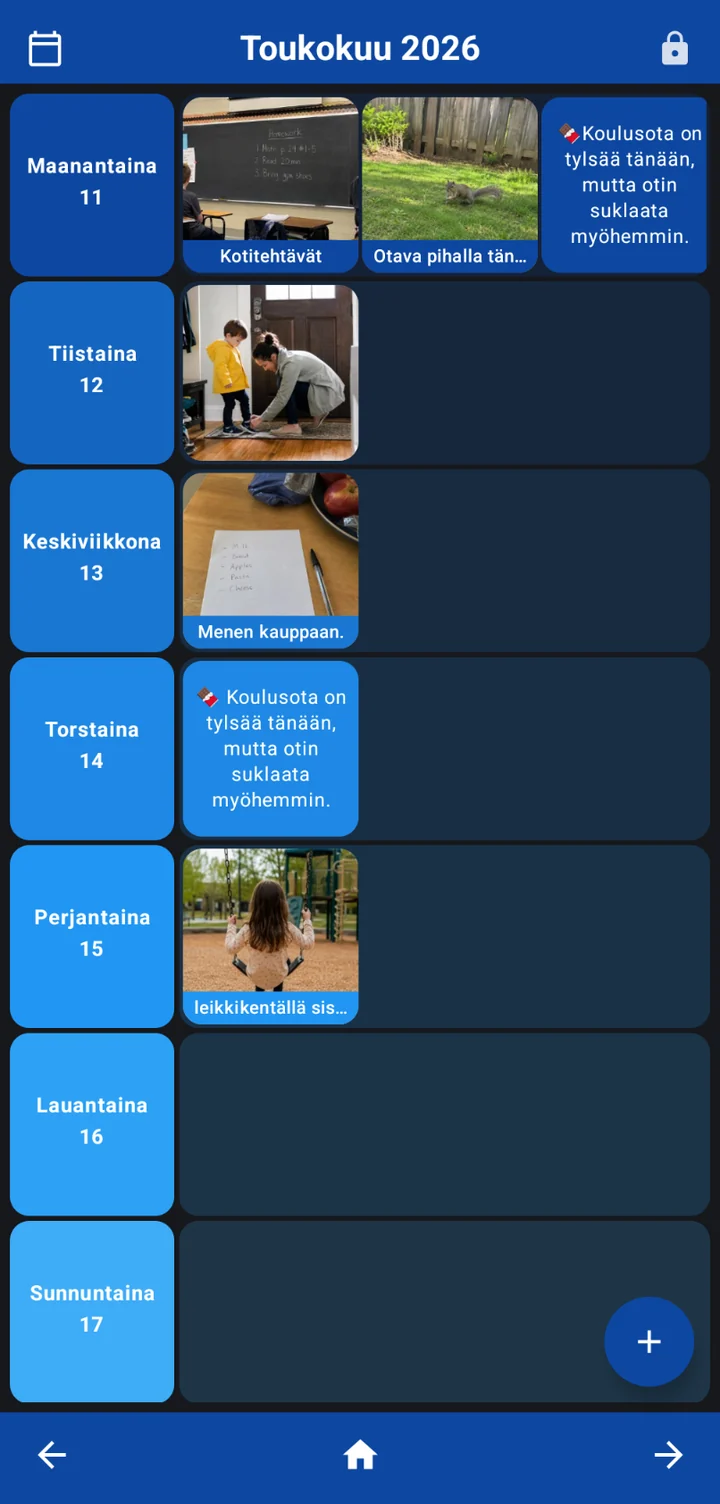
Save moments as photos, videos, voice recordings, or notes so they are easier to understand and talk about later.
Focus on saving and finding moments, without alarms, crowded menus, or complicated task management.
Store the calendar locally, protect important actions, and choose when to export or back up your data.
Built for clear visual structure, simple daily use, and careful control over private calendar content.
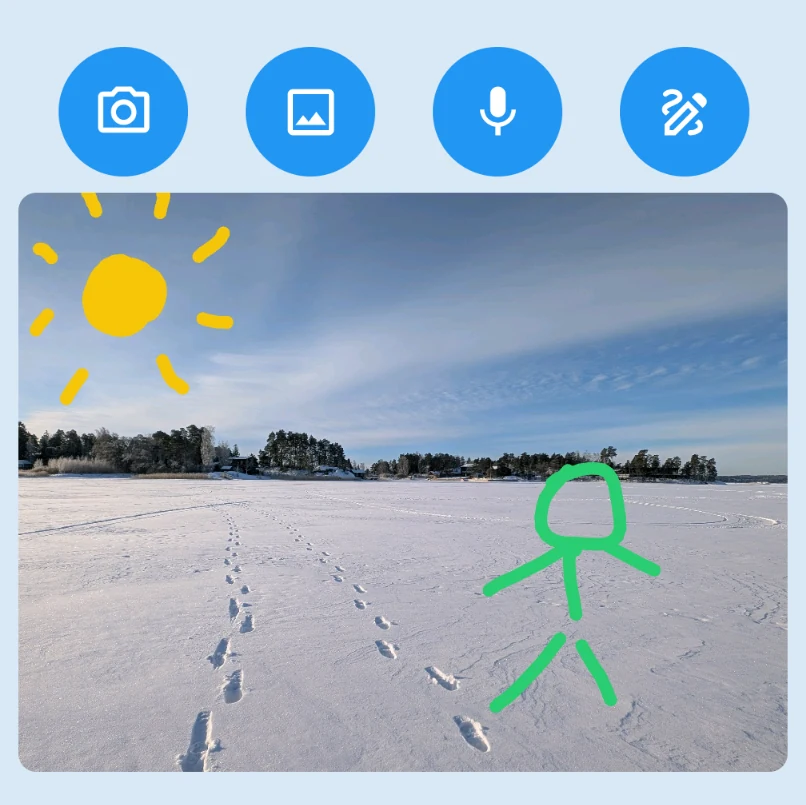
Add everyday memories, school notes, useful reminders, drawings, crafts, projects, and other things that are easier to remember visually.
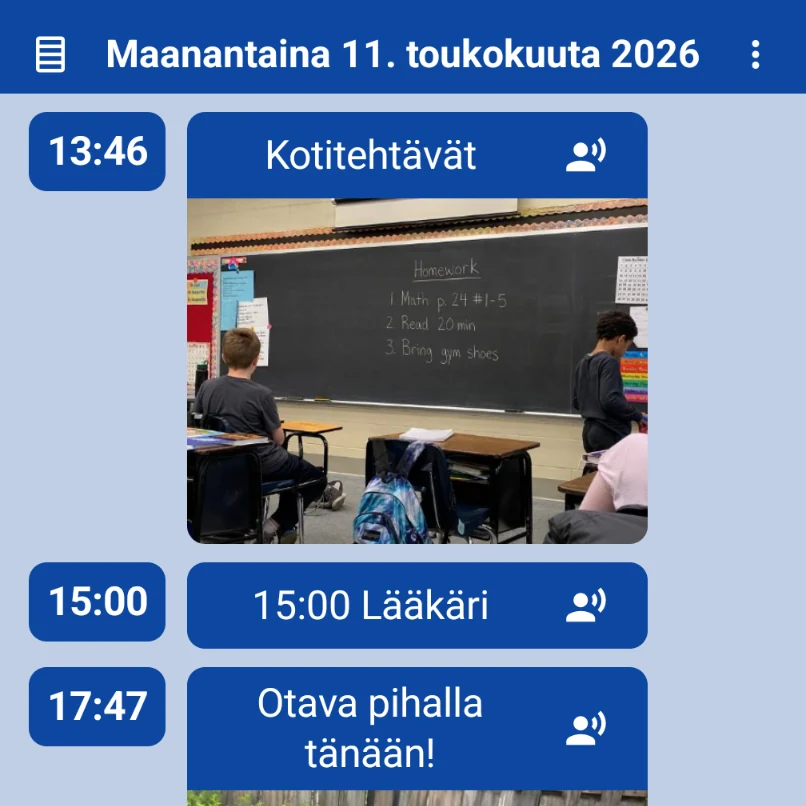
Use the format that fits the moment. A picture can save a homework board, a voice note can explain what happened, and a short text note can add useful context.
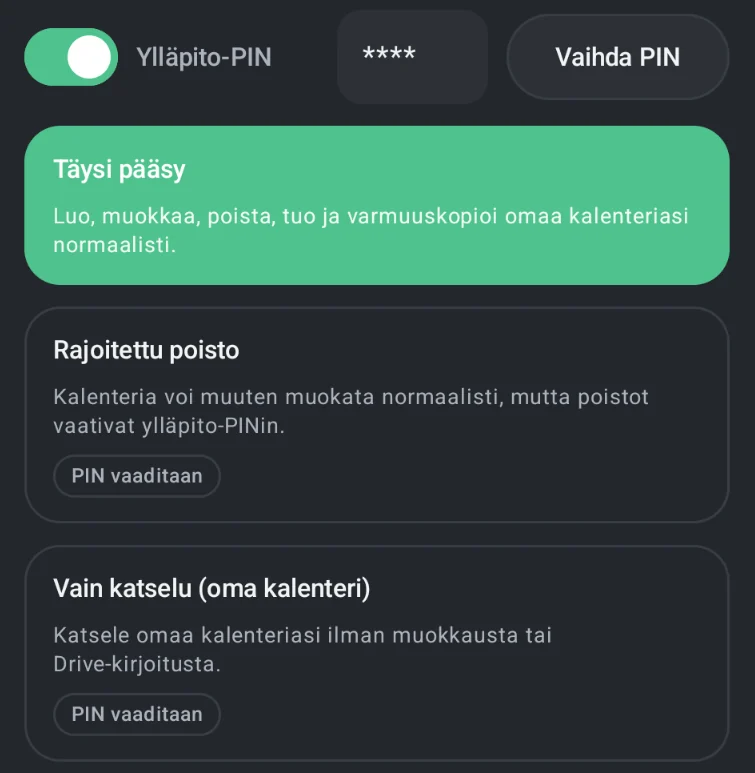
Daily use stays simple while settings, menu access, and deletion can be protected. This is especially helpful when a child uses the app independently.
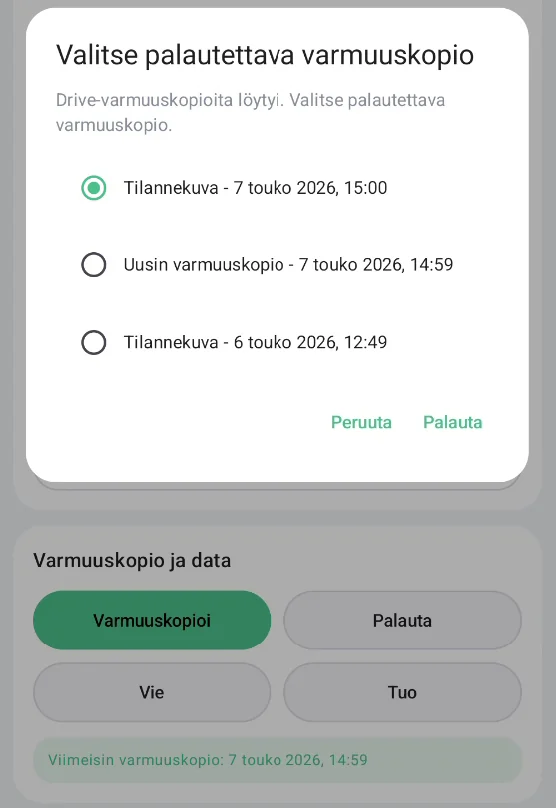
Private calendar content is stored on the device by default. Optional Google Drive backup supports restore and device changes, and manual export lets you keep a separate backup wherever you choose.
Joi Calendar was originally shaped around autistic children and simple-use needs, but the pattern is useful for many people who remember and communicate better visually.
Photos, videos, and voice recordings can make it easier to talk about what happened, what was seen, or what someone wants to share.
A predictable calendar and focused actions can reduce unnecessary complexity and make everyday use feel calmer.
Save everyday moments, small achievements, photos, voice notes, and stories so they are easier to revisit and share together.
Both versions include the same core calendar tools. Pro removes the entry limit for ongoing use.
For trying Joi Calendar with a limited number of calendar entries.
For ongoing use without a calendar entry limit.
A few practical answers about what Joi Calendar is, how backup and restore work, and where private content is stored.
No. It was designed with autistic children and simple-use needs in mind, but it can also help students, visual thinkers, other neurodivergent users, people with learning disabilities, and anyone who benefits from clear structure.
No. Joi Calendar focuses on saving memories, moments, notes, photos, videos, and voice recordings rather than repeating routines, alarms, or notifications.
Data is stored locally on the Android device by default. If Google Drive backup is enabled, the backup is stored in the user's own Google Drive.
Yes. You can create a Google Drive backup and restore it on another device, such as a new phone or tablet. You can also export a backup file and import it manually.
Yes. Joi Calendar can be used locally without Google login and without enabling Google Drive backup. Google is only needed for optional Drive backup and restore; manual export and import use Android's system file and sharing tools.
The app menu is currently available in English, German, and Finnish. Spoken button content can use languages supported by the Android device's text-to-speech system.
We are ready for the challenge! Contact us with your request per email and we can plan the next steps.