01
Speak with buttons.
Create simple speech buttons for words, phrases, names, needs, places, feelings, activities, or anything else the user wants to say.
 Minun ÄÄNI
A customizable speech app for children and people who need another way to communicate.
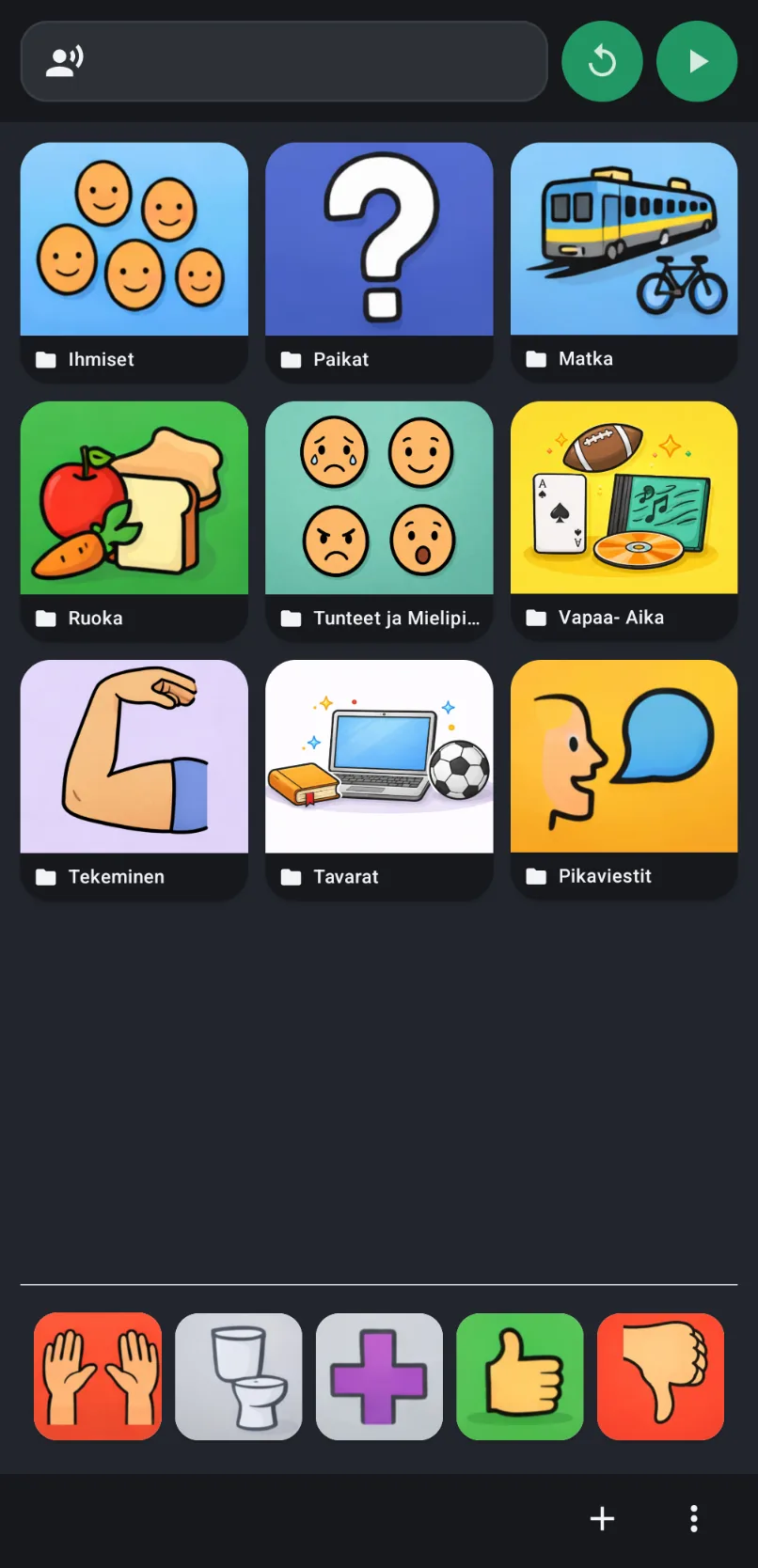
Create simple speech buttons for words, phrases, names, needs, places, feelings, activities, or anything else the user wants to say.
Line up buttons to build a sentence before speaking, or type a custom message when the needed word is not on the board yet.
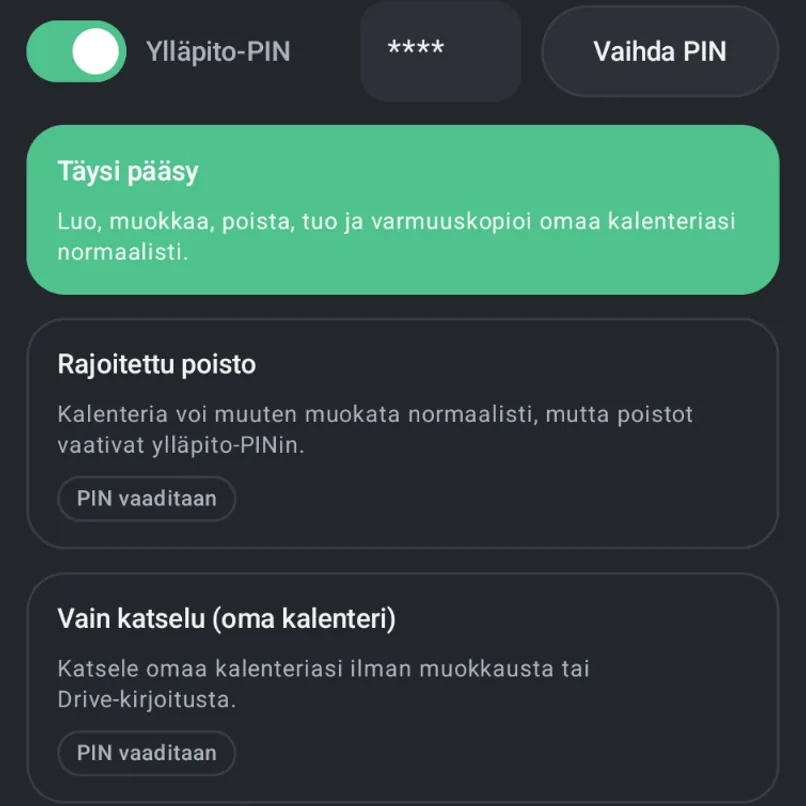
Daily communication stays clear while editing, deleting, menu access, and settings can be protected from accidental taps.
Simple speech support with large buttons, flexible customization, and data that stays under your control.
Create buttons for needs, names, places, feelings, activities, yes, no, help, bathroom, or any message the user wants available throughout the day.
Buttons can be lined up to build longer messages before the app speaks them out loud. This can be enabled or adjusted depending on what works best.
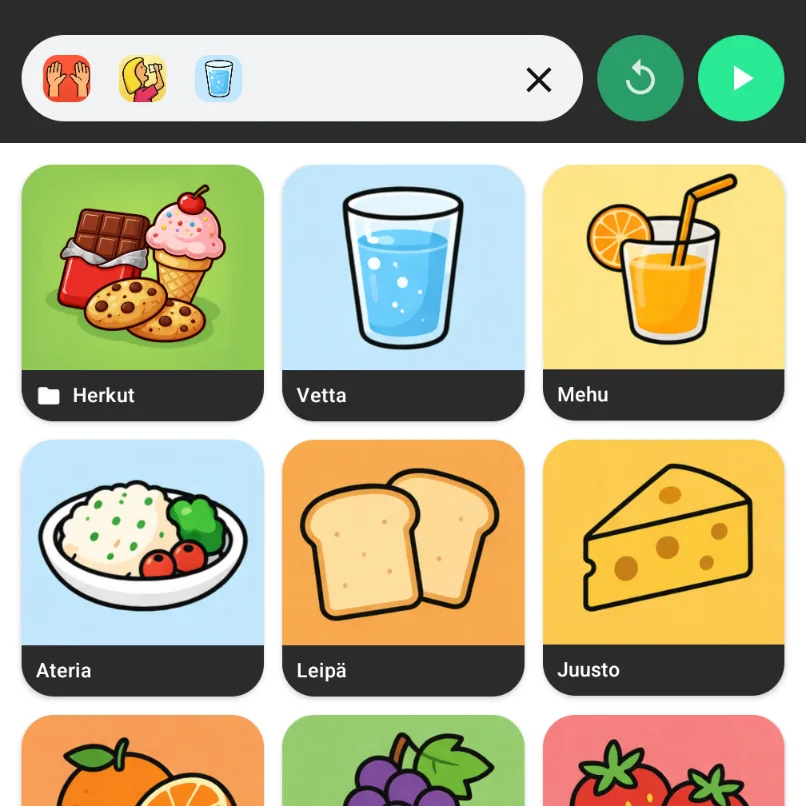
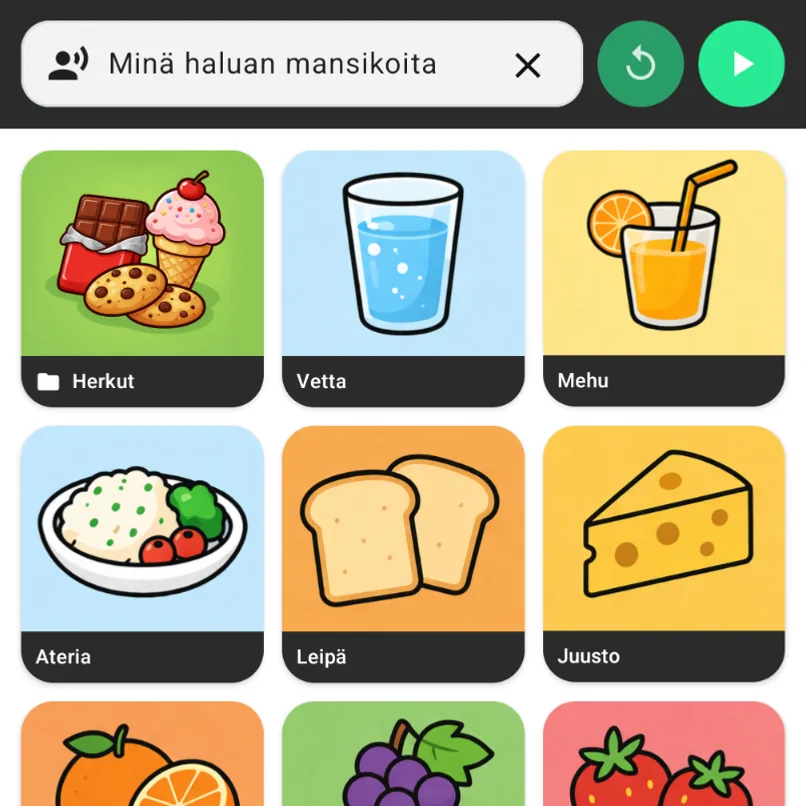
The text field lets the user type a custom sentence and have it spoken out loud when a button for that exact message does not exist yet.
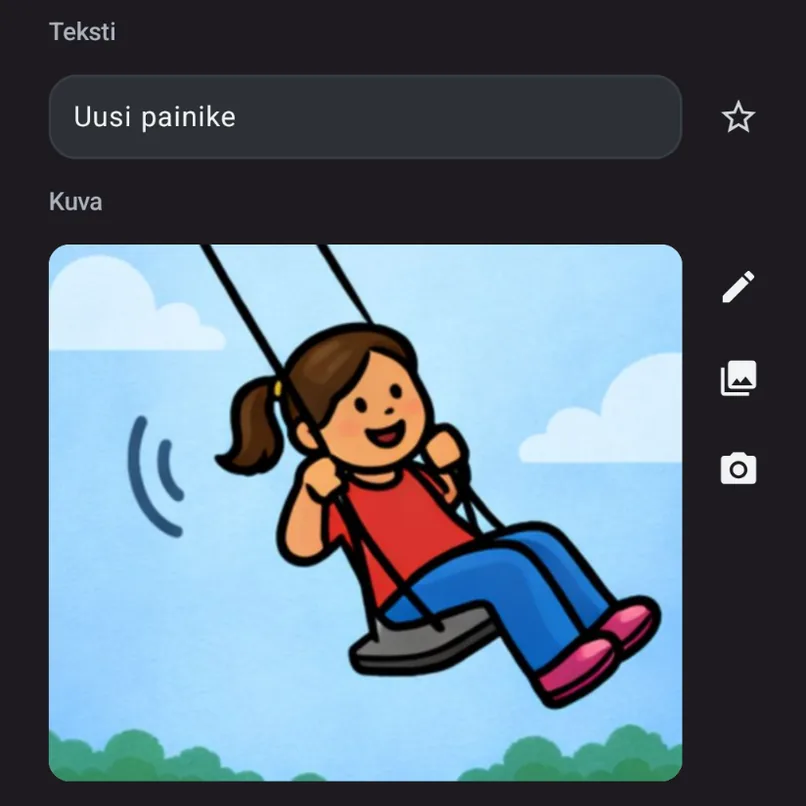
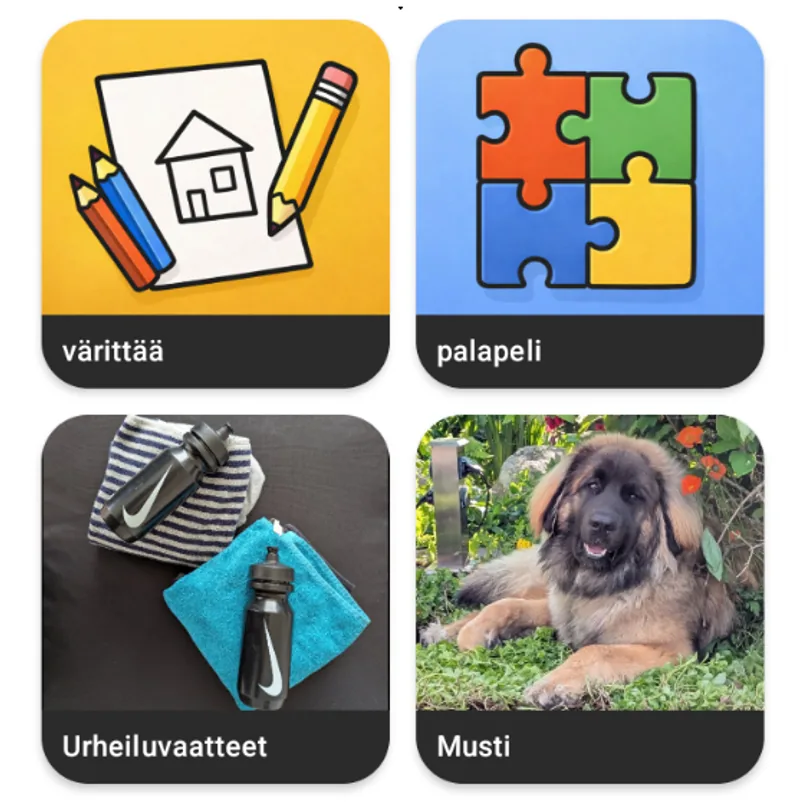
Create your own folders, buttons, icons, labels, and spoken text for the user's language, home, school, family, interests, and communication style.
Menu access, editing, deleting, and settings can be protected so the user can focus on communication without accidentally changing the setup.
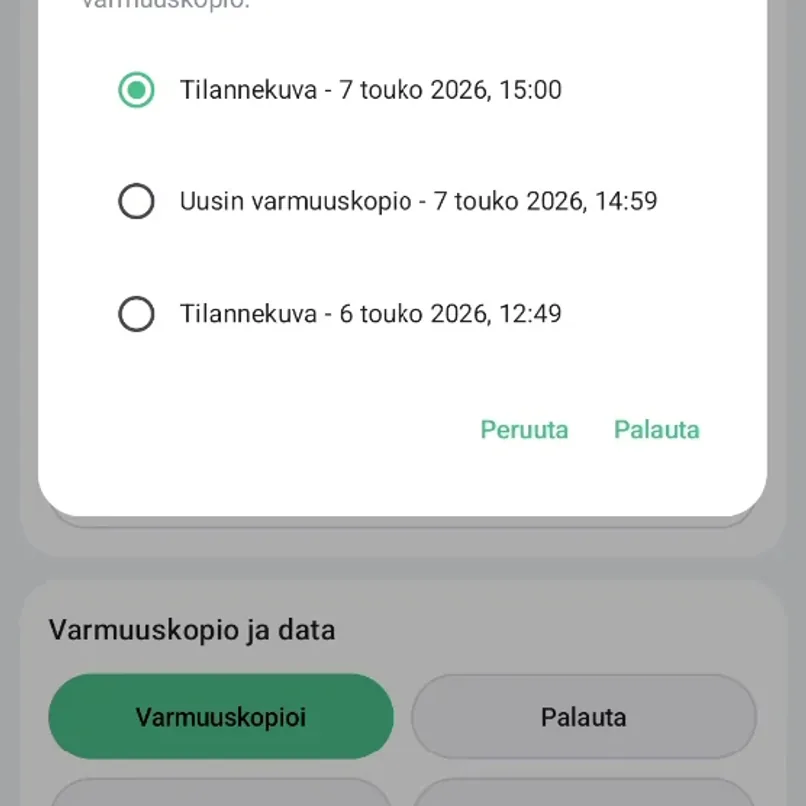
Use the app locally, back up the communication board to your own Google Drive for restore or device changes, or export a backup through Android's system sharing tools.
The app was originally shaped around autistic children and simple-use communication needs, but it can help many people who benefit from button-based speech, picture-supported communication, or a clear text-to-speech tool.
Buttons, folders, and typed messages can give children another way to express needs, choices, feelings, and thoughts.
A clear, predictable button layout can support communication without adding unnecessary complexity.
The app may help people who know what they want to say but need support speaking it out loud through a device.
Buttons can be customized and spoken using the Android device's text-to-speech languages, including Finnish, German, English, and many others.
Parents, caregivers, teachers, therapists, partners, and support people can help shape the board around the user's real daily life.
Both versions include the same core speech tools. Pro removes button limits for ongoing use.
For trying the speech board with a limited number of buttons and folders.
For ongoing use without board limits.
A few practical answers about speech support, customization, languages, and where private communication data is stored.
No. The app was originally designed with autistic children and simple-use speech support in mind, but it can also help non-speaking users, minimally speaking users, people with speech difficulties, visual communicators, multilingual families, and anyone who benefits from button-based communication.
It can be used as a simple AAC-style communication app. It supports button-based speech, sentence building, and direct text-to-speech, but it is not meant to replace professional assessment or therapy.
Yes. The menu is available in Finnish, and buttons can use the text-to-speech languages supported by the Android device. Families can create their own Finnish words, phrases, folders, and categories.
Minun ääni means "my voice" in Finnish. Minun means "my" or "mine," and ääni means "voice" or "sound." In standard Finnish, "my voice" is often written as minun ääneni; the app name uses a shorter, brand-style form to reflect the idea that a person can communicate with their own chosen words, pictures, and messages.
Yes. The app is fully customizable. You can create your own buttons, folders, labels, icons, and spoken text.
Yes. Buttons can be set up to speak their name or phrase directly when pressed.
Hold the button or page for three seconds while using a mode that allows editing.
Yes. Buttons can be lined up to build longer messages before speaking, and the app also includes a text field for typing a custom message.
Data is stored locally on the device by default. If Google Drive backup is enabled, the backup is stored in the user's own Google Drive. We do not store private communication content on our servers.
Yes. A trusted parent, caregiver, teacher, therapist, or other support person can help directly on the device. Protected settings can keep important setup actions separate from everyday communication.
Yes. The app can be used locally without Google login and without enabling Google Drive backup. Google is only needed for optional Drive backup and restore; manual export and import use Android's system file and sharing tools.
We are ready for the challenge. Send us your request by email and we can plan the next steps.